Public beta
Your servers, agents and browser in one window.
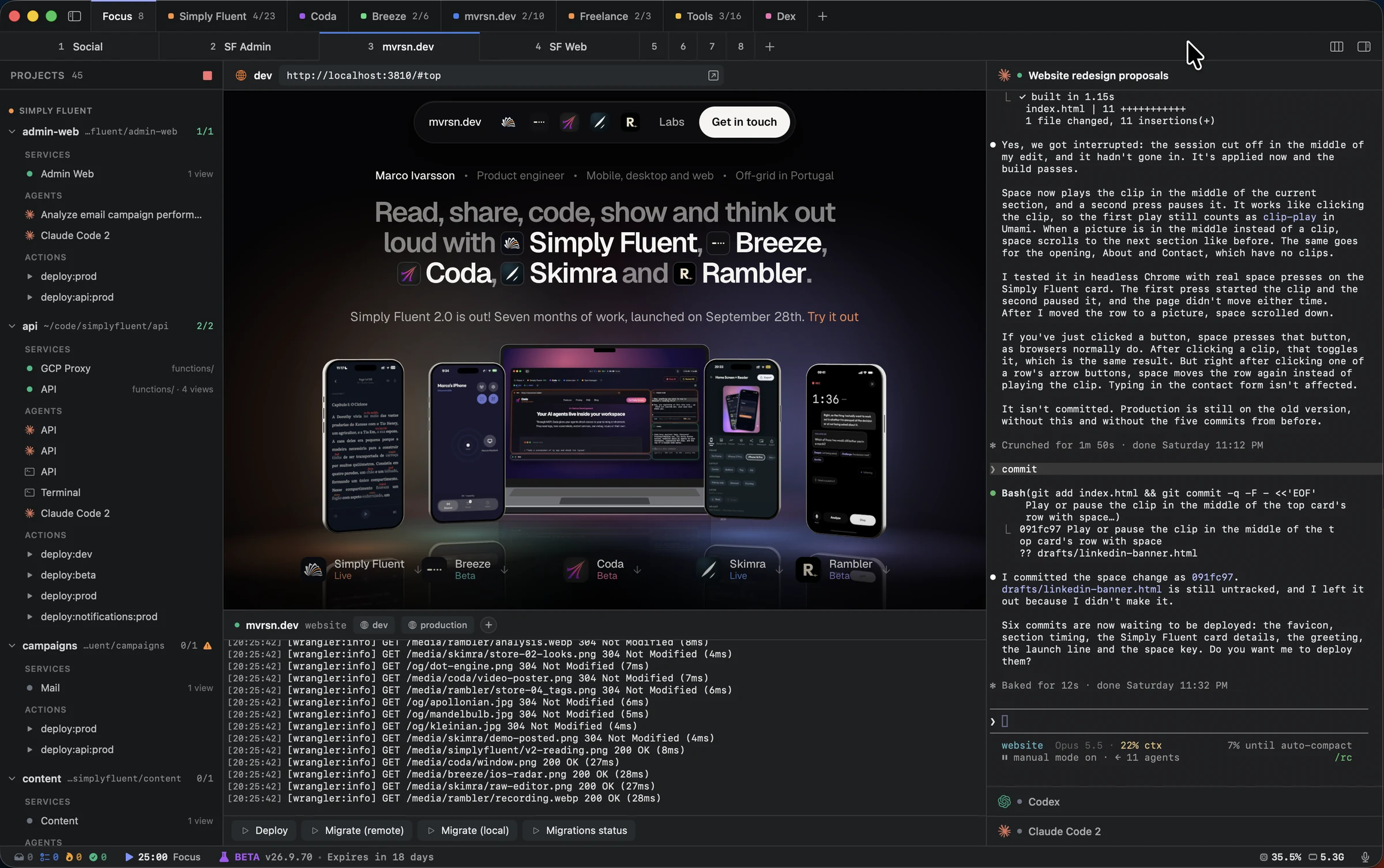
Highwind is a native Mac app that runs your dev servers, AI coding agents and browser panes side by side. Quit it, open it again, and every server, agent and tab starts where you left it.
For macOS 14 and later. I'll email you a download link as soon as the new version is ready. Privacy
Why Highwind
Why not just use the Claude or Codex app?
Those apps each run one agent, and they don't know about your dev servers or your other projects. Highwind runs every agent you use next to the servers and the browser it works on, for all of your projects, in one window.
01 · Agents
Every agent you use, on the subscription you already pay for.
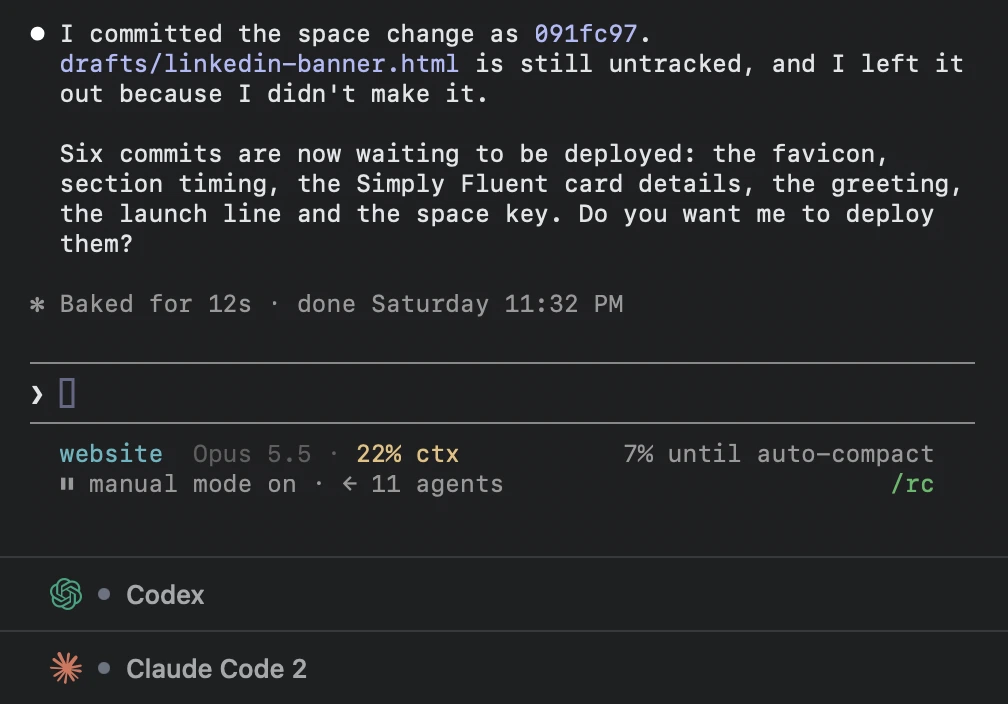
Highwind runs each agent's own command-line tool, signed in with your own account. Highwind doesn't sell model access, so there is no second plan to pay for. Run several sessions of the same agent side by side, and each one continues its conversation when you reopen the app.
- Claude Code
- Codex
- Gemini
- OpenCode
- Copilot
- pi
02 · Your own harness
Add any agent CLI with a JSON file.
A harness tells Highwind which binary to start and how to talk to it. Drop a file in ~/.highwind/harnesses and the agent shows up next to the built-in ones, with its own colour and action buttons. Reuse a built-in id to change how Claude Code or Codex starts.
{
  "id": "aider",
  "name": "Aider",
  "binary": "aider",
  "color": "#14B014",
  "actions": [
    { "name": "Commit", "send": "/commit" }
  ]
}
03 · Projects
All your projects, one shortcut apart.
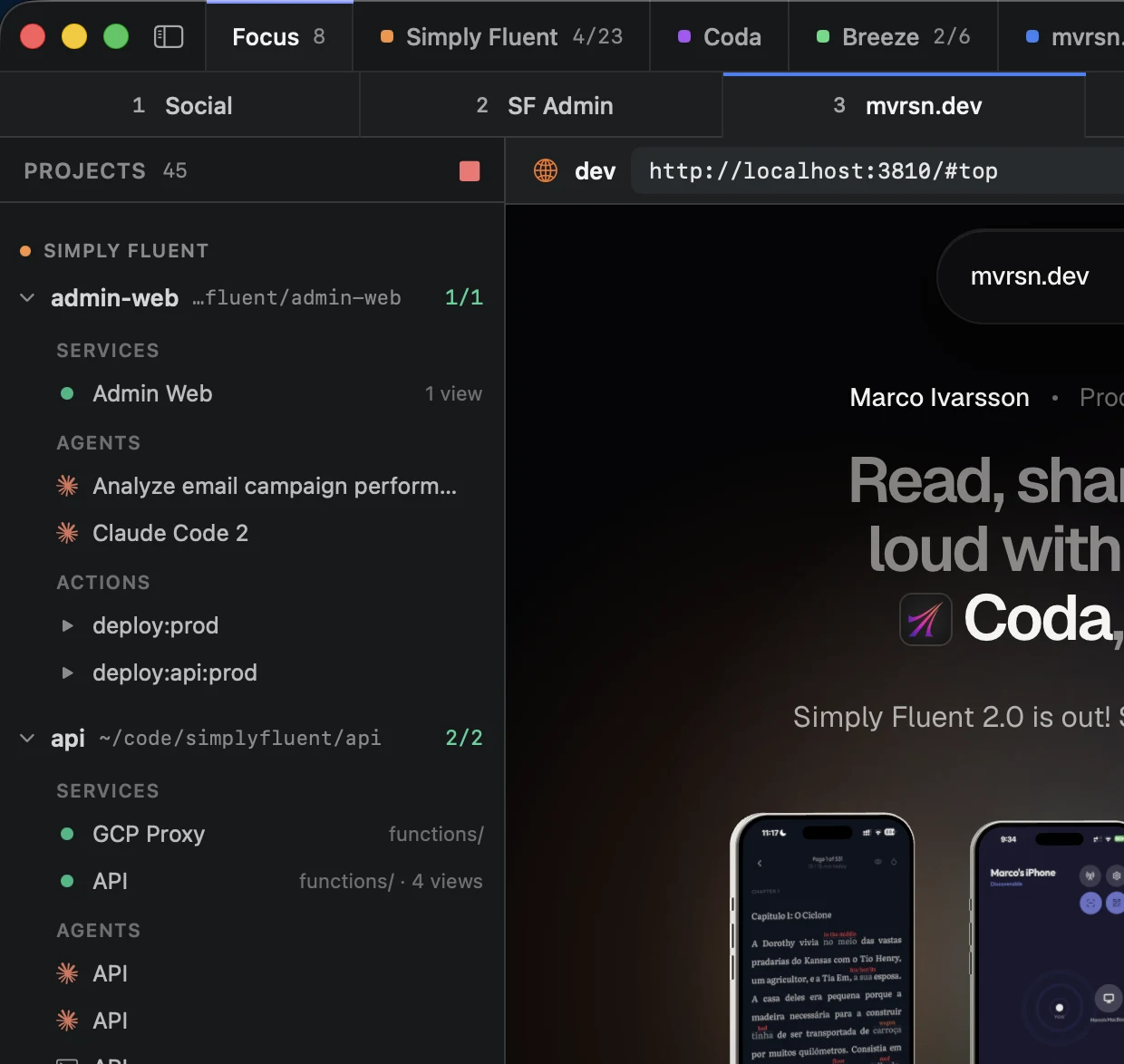
Each project keeps its dev servers, agents and deploy actions together in the project menu. You build views by dragging services, agents and browser panes in from the project menu, and the same item can be in as many views as you like. Drag the workspace and view tabs to put them in the order you want.
A service can require another one, like a website that needs its API. Starting the website starts the API first and waits until it is ready. A service keeps running while another running view or service still needs it, so stopping one view doesn't stop an API that another view uses.
- ⌘1–⌘9
- Switch views in the current workspace
- ⌥2–⌥9
- Jump to a workspace
- ⌥1
- Focus: views from every workspace in one place
- ⌘P
- Open a file by name
04 · MCP
Your agent uses your app while you watch.
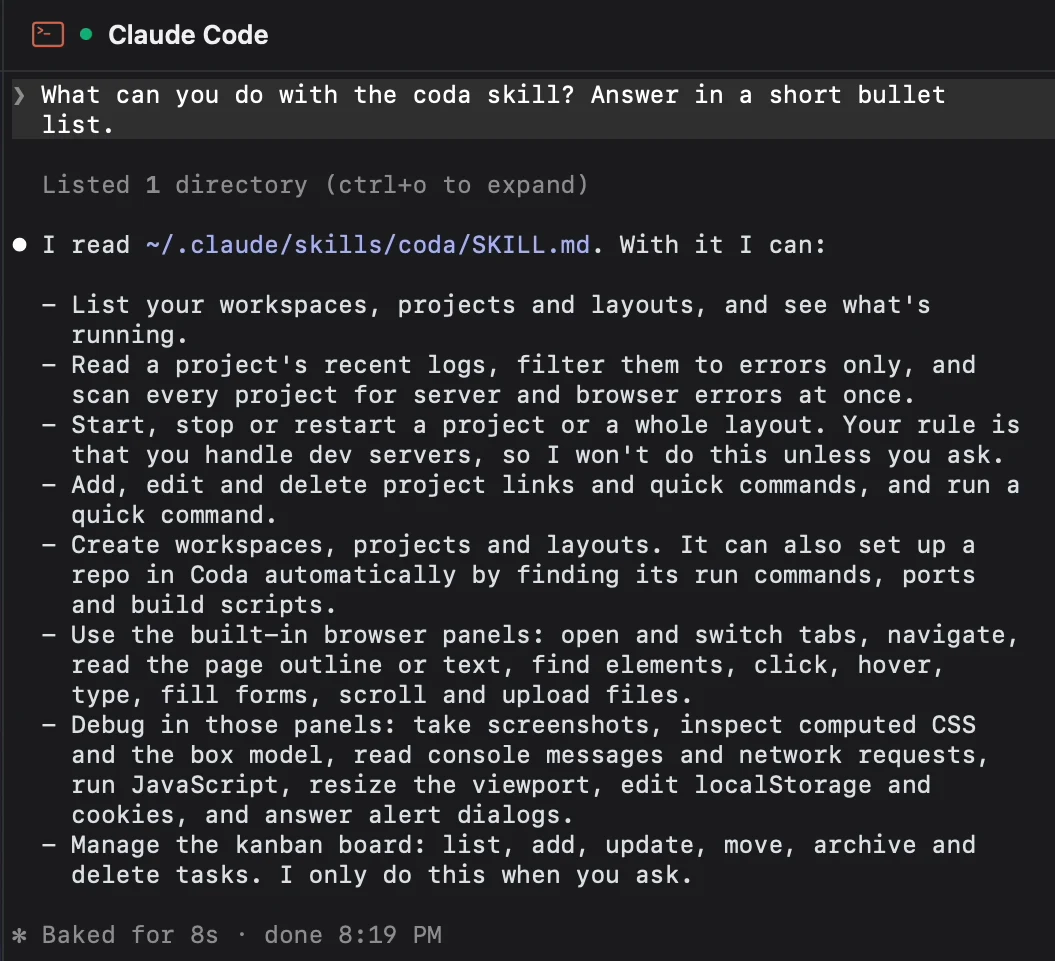
Highwind has its own MCP server. With it, the agent opens your app in the browser pane, clicks through it, fills in forms, takes screenshots and reads the console and network requests. It also reads your server logs and runs your project's commands.
All of it happens in a pane you can see, so you know what the agent tested before it tells you it's done. MCP is off until you turn it on in Settings.
05 · Browser
The page, its log and its commands in one place.
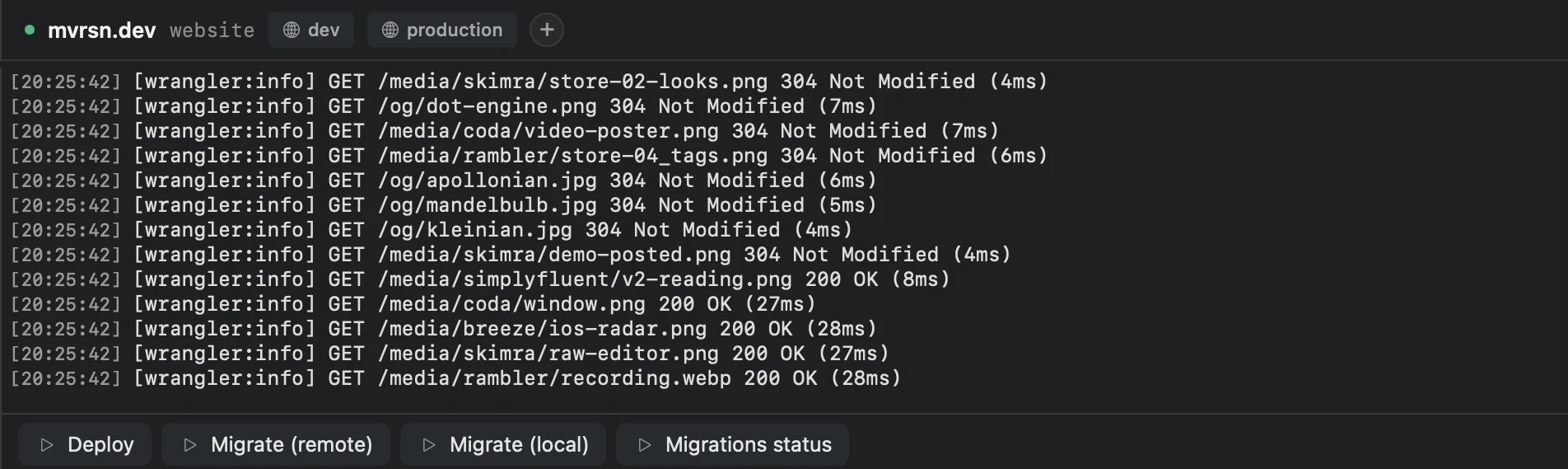
Click a service's link and the page opens in a browser pane above its log, with the inspector one shortcut away. Deploy and migration commands sit under the log as buttons.
- Reopens where you left off
- Quit Highwind and open it again. Servers, agents and browser tabs are restored.
- A native Mac app
- Written in Swift for macOS 14 and later. It is not a web page in a wrapper.
- Your files stay on your Mac
- Workspaces, projects and tasks are plain files in a .highwind folder you can read.
Walkthrough · 3:55
From a fresh install to a running project.
The Getting Started checklist on a new install: a project and its dev server, a quick command, a browser pane, Claude Code connected over MCP, and moving panes around. One take, no voice-over.
Questions
Is my data safe?
Everything is stored locally on your Mac in the .highwind folder. Workspace configs, project settings, tasks, and logs never leave your device. Your data is plain files on disk, which means other tools and agents can read and write to them too. I collect minimal, anonymous usage data (feature usage, crash reports) to improve the app. No tracking cookies, no third-party data sharing. I have no interest in your data.
Which AI agents does Highwind support?
Claude Code, Codex, Gemini, OpenCode, Copilot and pi are built in. Each runs as its own command-line tool in a pane, so it uses your own subscription. Any other agent CLI can be added with a JSON file in ~/.highwind/harnesses. Sessions are restored when you open Highwind again.
What is MCP and why does it matter?
MCP (Model Context Protocol) is how agents call tools. Highwind's MCP server lets Claude Code, Codex, Gemini, Copilot and pi start and restart your services, read their logs, and use the browser pane: open pages, click, type, take screenshots and read the console. It's off until you turn it on in Settings.
Does Highwind work with my tech stack?
If your dev server starts with a shell command, it works in Highwind. Node, Python, Go, Rust, Docker, and anything else that runs from a terminal. Projects that require a separate IDE to compile and run (like native iOS or Android apps) still need that IDE for the build step.
How does voice input work?
Voice input is processed either locally through a Whisper model on your Mac, or through OpenAI’s Whisper API using your own API key. Audio recordings are stored on your device and cleaned up after completion. Transcription history is kept based on your voice settings. Nothing is ever sent to me.
Why do you ask for my email?
So I can tell you when a new version is out. The app also updates itself, so the email is the only other way I reach you.
Can I request a feature?
Yes. Send feature requests through the contact form on this website or directly from inside the app. I read every message and do my best to implement viable suggestions. You’re also welcome to come hang out on Discord and be part of the development process.
Is there a file browser or code editor?
There's a sidebar: ⌘P opens a file by name and ⇧⌘E shows the sidebar. Files open in tabs in a plain text editor, and Markdown is shown rendered. It isn't a code editor, with no syntax highlighting or language support, so keep your editor for writing code.
How is this different from just using terminal tabs?
Terminal tabs run your servers, but they don't come back when you reopen them, they can't show your app, and your agent can't see into them. Highwind restores servers, agents and browser tabs when it opens, shows the page next to its log, gives your agent access to both over MCP, and keeps build and deploy commands as buttons.

Try Highwind on your next project.
Enter your email and the download starts. No account needed.
For macOS 14 and later. I'll email you a download link as soon as the new version is ready. Privacy